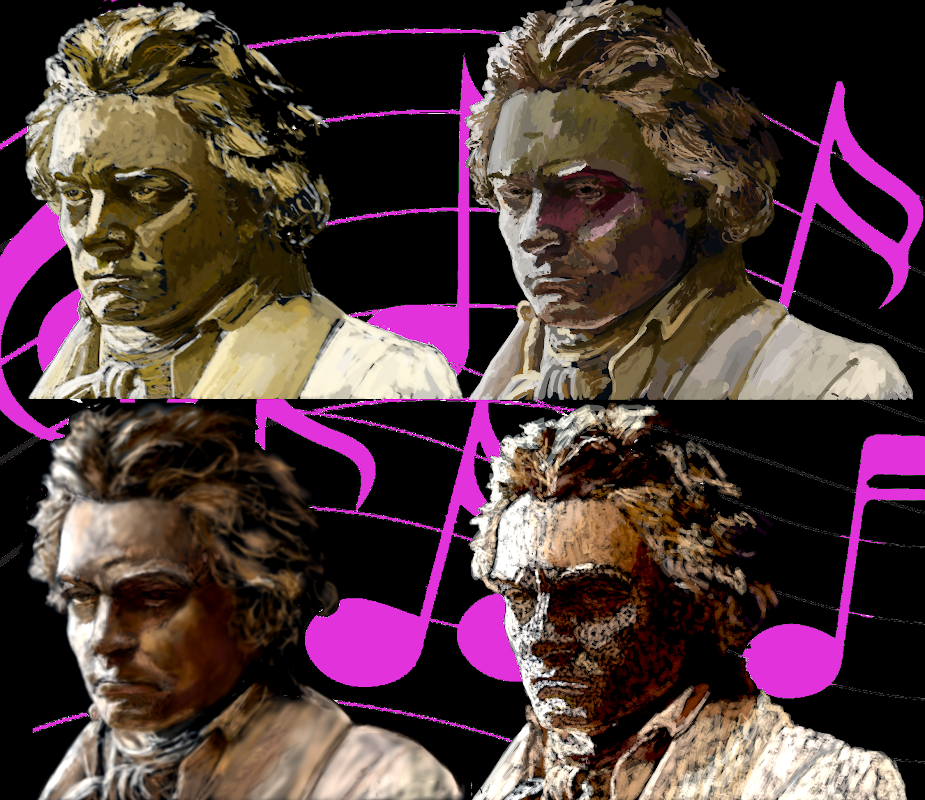
Celebrate Beethoven's 250th anniversary with drawings by Paintology app
13 Dec 2020|
1223
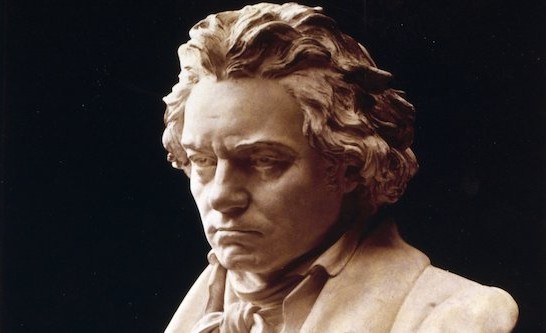 I used the trace mode of the drawing to initially draw the outline to get a much better placement of the facial features, then I would do the remainder of the drawing by freehand. This technique of drawing places less focus on the form and shape and more emphasis on the drawing techniques to produce the final drawing.
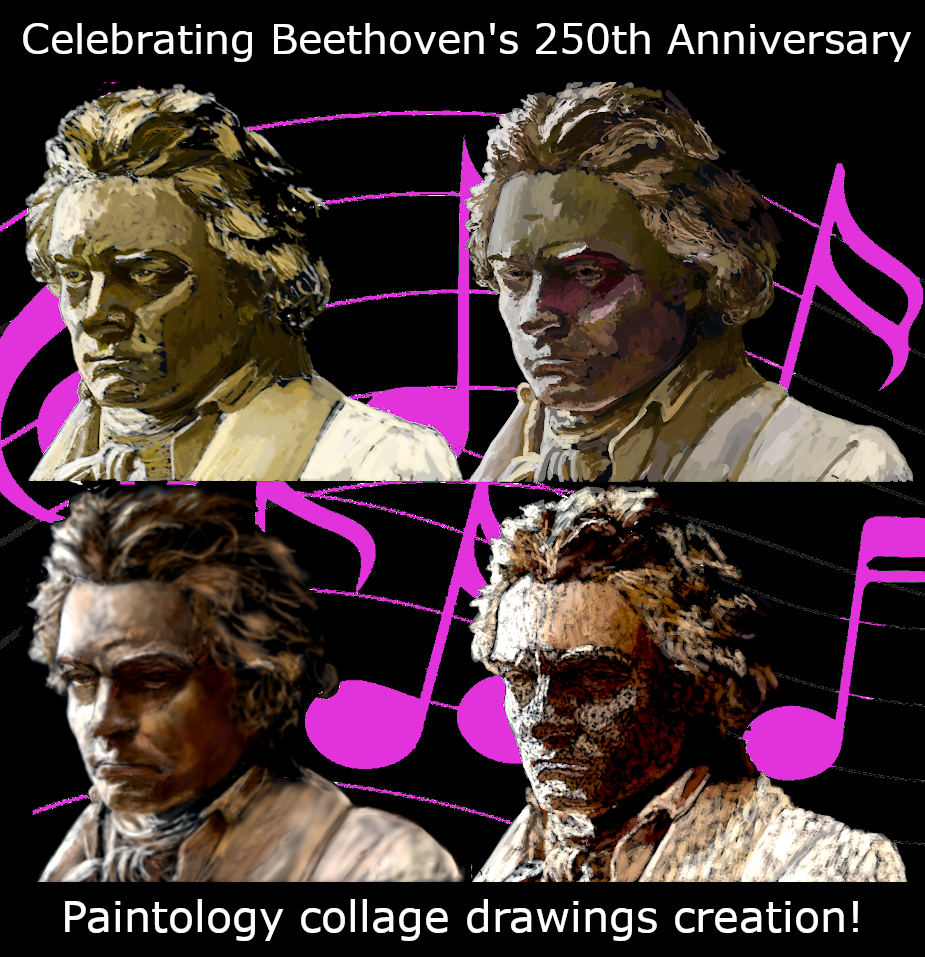
The four drawings were done with the brush tools: line, watercolor, charcoal and shade. If you have done any drawings with these brushes you will know which is which. As some of you know I have a big affinity for the shade brush tool as it is an easy brush to use with no opacity settings and one can create many of the effects found in the original image. I have used the shade brush to create many photorealistic drawings which you can find on the Paintology and Ferdouse youtube channels. In addition, you will find many free structured courses that I have put together on the Udemy channel.
I used the trace mode of the drawing to initially draw the outline to get a much better placement of the facial features, then I would do the remainder of the drawing by freehand. This technique of drawing places less focus on the form and shape and more emphasis on the drawing techniques to produce the final drawing.
The four drawings were done with the brush tools: line, watercolor, charcoal and shade. If you have done any drawings with these brushes you will know which is which. As some of you know I have a big affinity for the shade brush tool as it is an easy brush to use with no opacity settings and one can create many of the effects found in the original image. I have used the shade brush to create many photorealistic drawings which you can find on the Paintology and Ferdouse youtube channels. In addition, you will find many free structured courses that I have put together on the Udemy channel.
Shade Brush
The shade brush is great for trying to emulate the original image due to the nature of this brush but it can leave a 'hazy' look to it. I often use this brush along with the line brush to compensate for the 'feathery' edges to give the drawing more punch, however, in this case I stuck to the shade brush only. Also the colors can appear a bit muted which is easily compensated for by using a standard photo editor in the brightness/contrast settings such as GIMP or Photoshop. I will present a vide of this drawing in the coming weeks on the popular social sites mentioned above.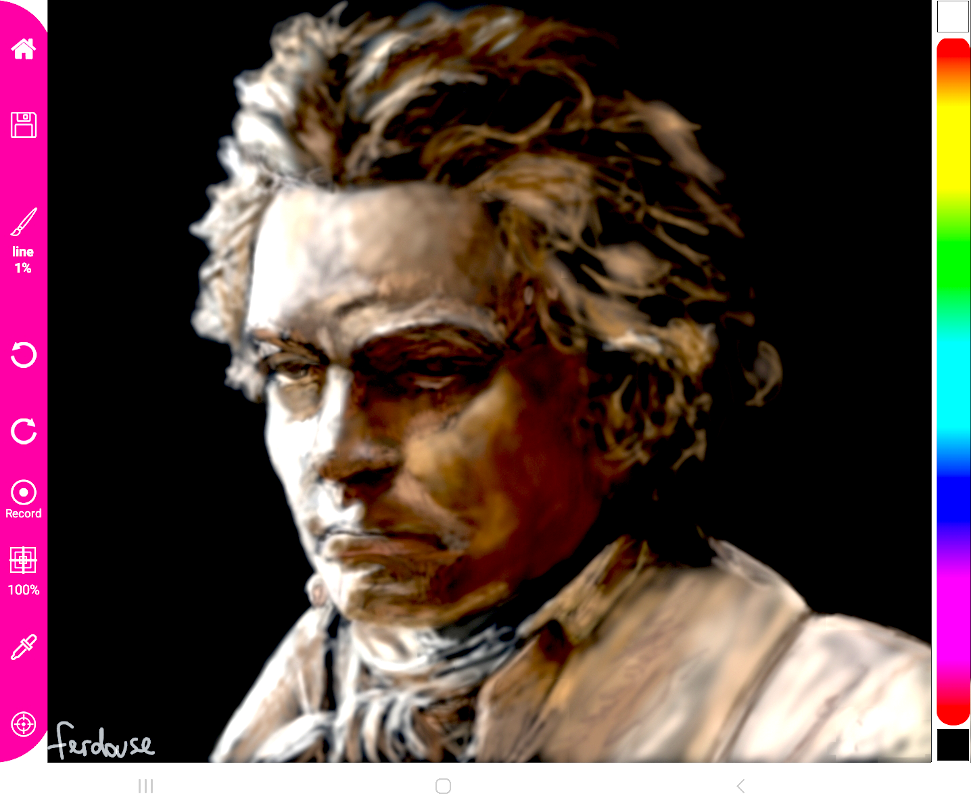
Line Brush
The line brush almost has an opposite effect to the shade brush in that the lines produced on the drawing can be highly opaque depending on the hardness (opacity) setting that you might have. In this drawing of Beethoven, I kept the opacity about 2/3 of the way up and kept this setting throughout the drawing.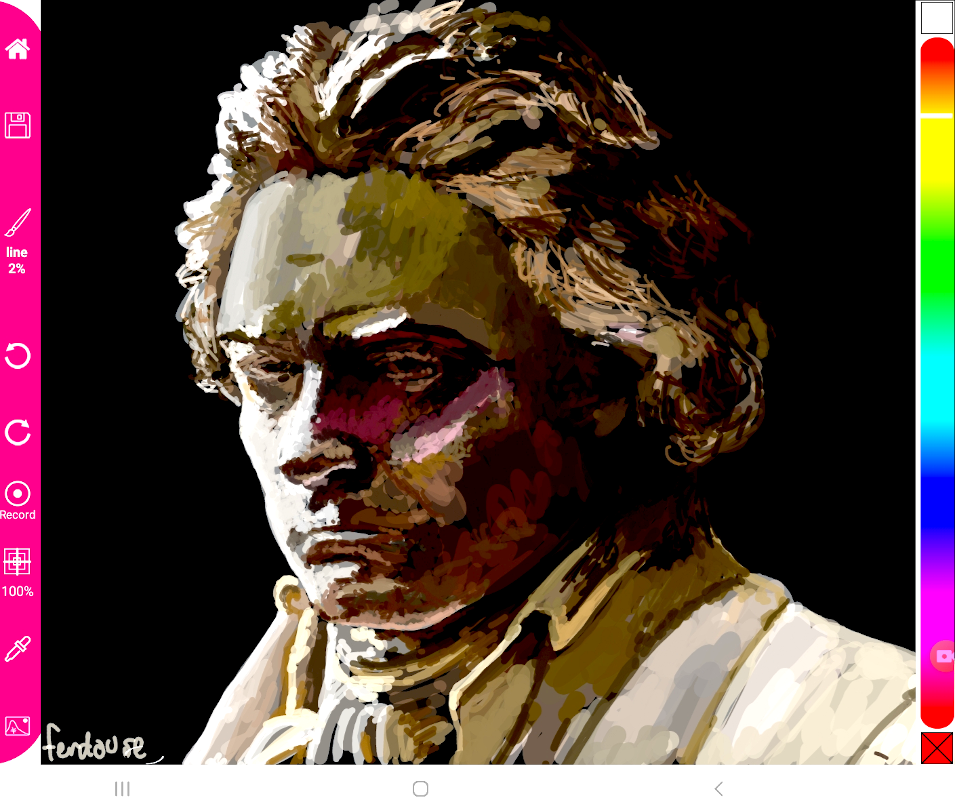
Watercolor Brush
This is a brush I have rarely used but I liked the effect that it created. As a result, I used short strokes to create this drawing which did make for an interesting effect, don't you think?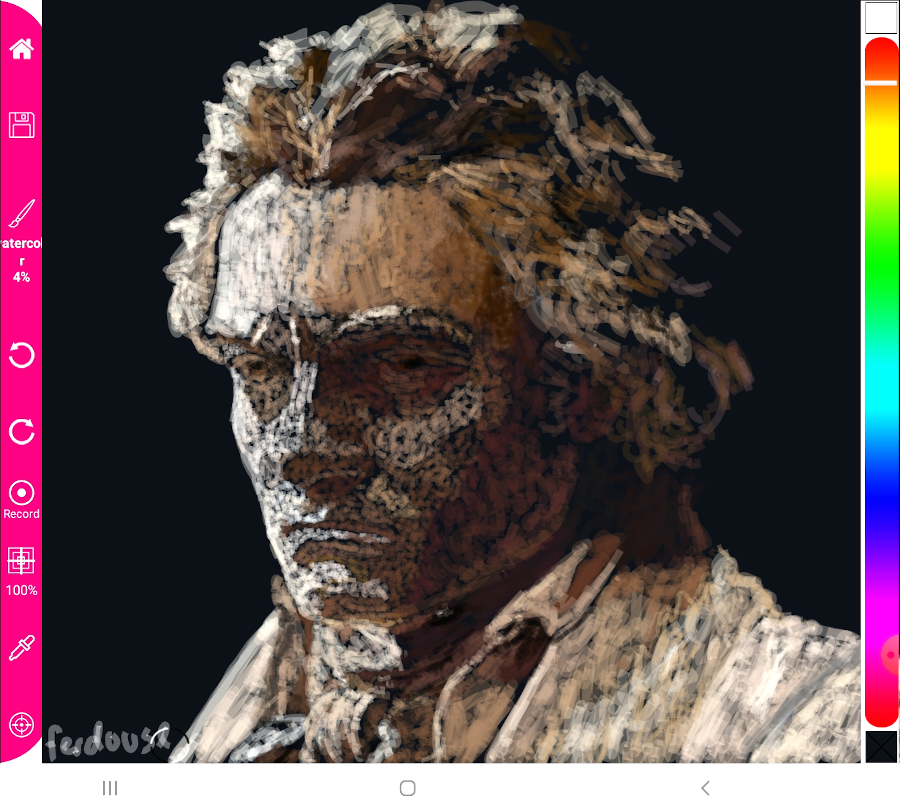
Charcoal Brush
This is a familiar brush that I have used often when I did many paintings using the 32 inch touch screen device. You can see some of my works using this brush if you visit the Ferdouse Youtube channel. The reason, I like this brush is because it almost creates a paint like quality when you start drawing with it and works well for people who come from a traditional painting and drawing background.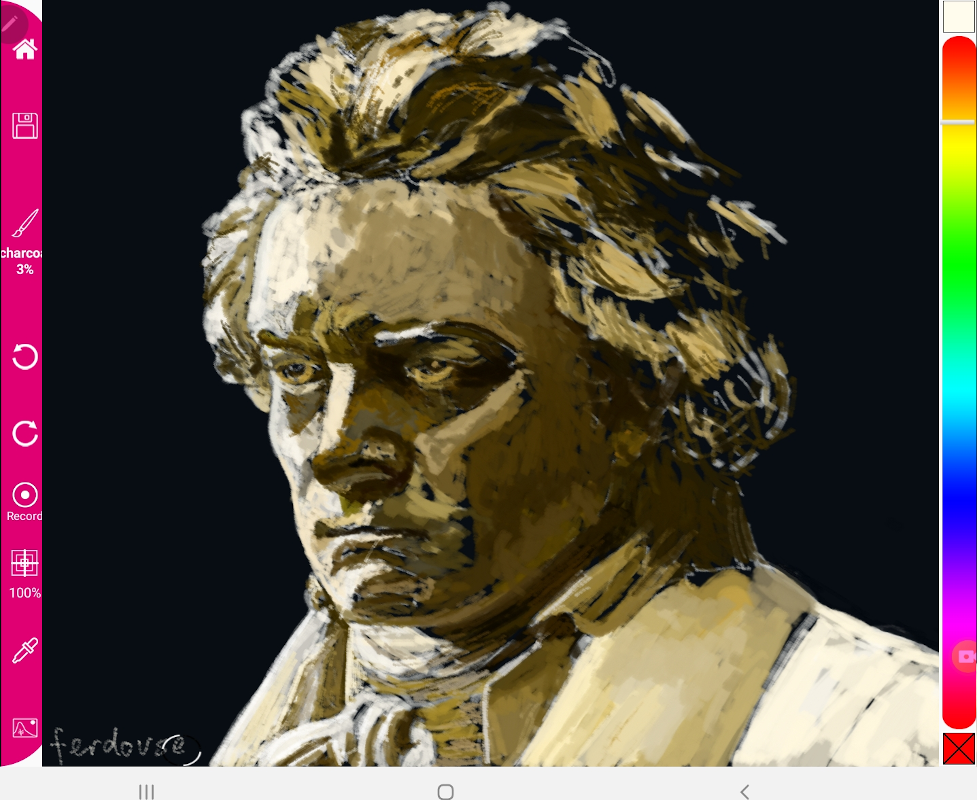 As you can see, the various brushes produces very contrasting drawings typified by how the brush lays down the drawing strokes. You can compare this to say drawing with pencil, acrylics etc.
Making the Collage
The collage that you see in the featured image was put together using the GIMP software tool, and this is freely available on the internet, you can find the link below for the download to this application. The music sheet that sits behind the collage was a bit tricky to do as I needed to resize, select the musical notes and turn it into the color that you see. This is the first time, I am publishing this, so I have no idea how other people would make of this collage. However, the important thing is that I have at least done something for this great genius on his 250th anniversary!