My Journey to Photorealistic Drawings
28 Sep 2020|
1511
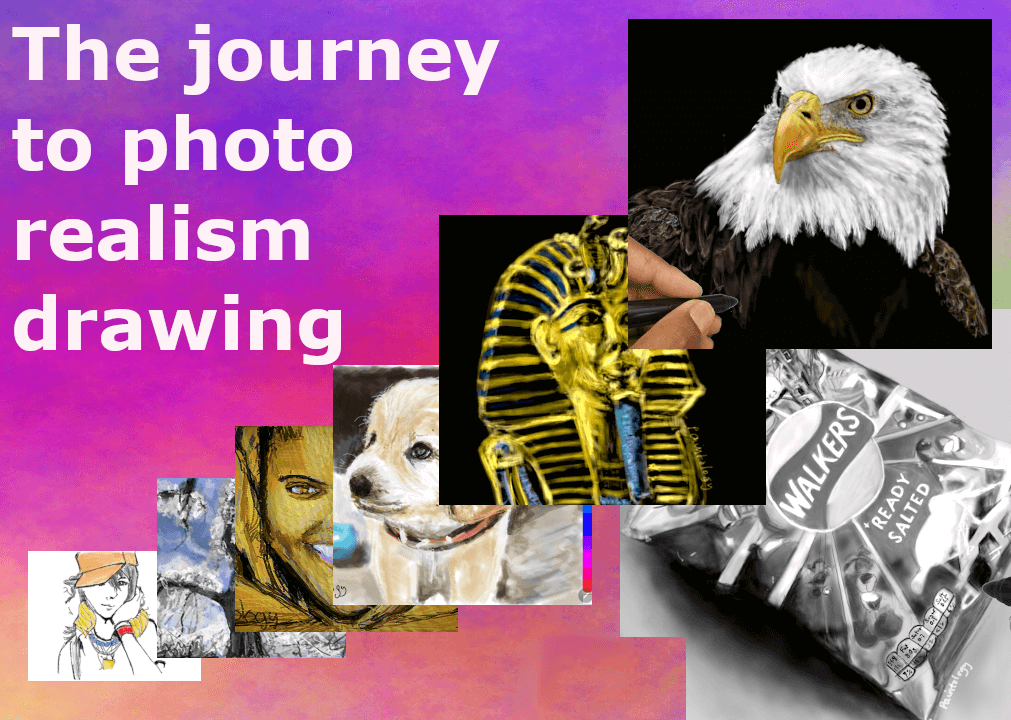
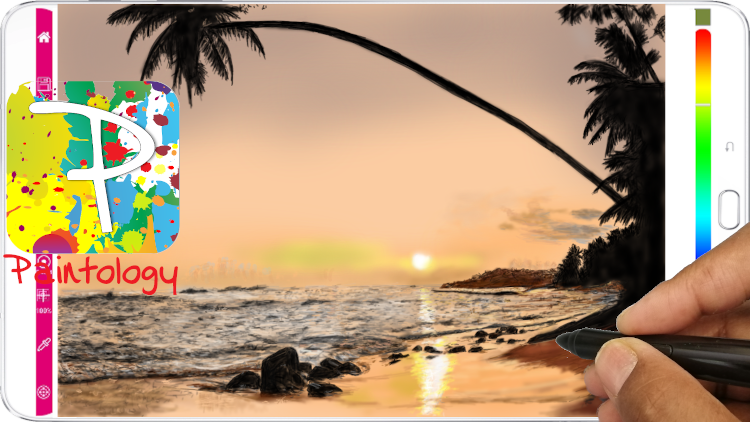
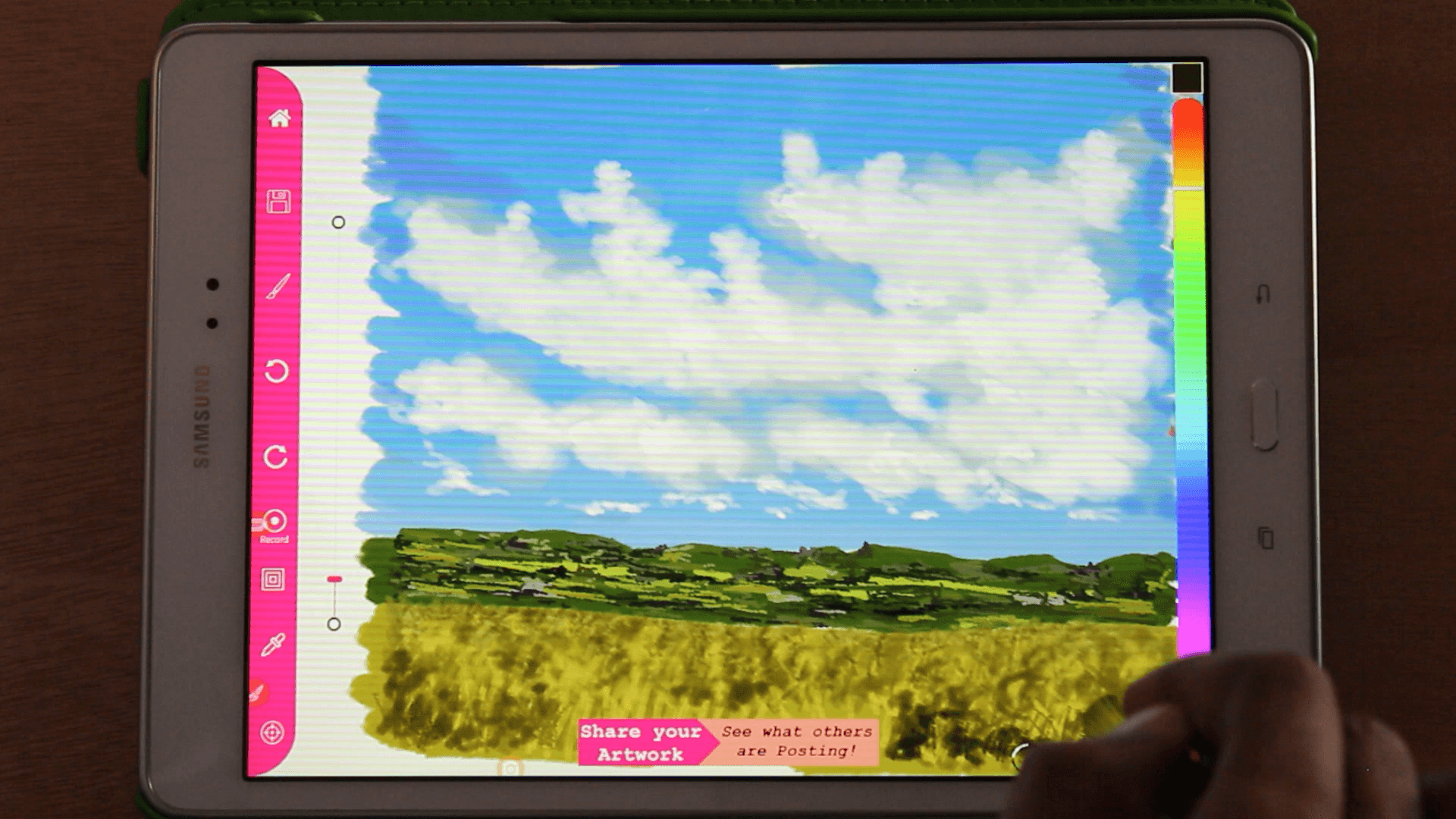 Fig. 1 My first drawing that moved me towards photo realism
I had purchased a higher resolution tablet (Samsung S6 Lite) on a whim due to the higher resolution. Previously all my drawings were on a Samsung Galaxy Tab which had a resolution of 1280 x 720 and the new Samsung S6 had a resolution of 1920 x 1080. I found that technology had advanced quite a bit from my humble Galaxy Tab of two years, the drawing was smoother and I could reduce the brush size to a smaller size with the Paintology app. As I continued drawing with the new S6, I became more comfortable in my drawings and unknowingly took more time over each drawing. None of the drawings were truly realistic by any means but it was clear that my drawings were tickling my interest in this domain.
I started focusing on the smaller regions that can potentially make up a more 'realistic' drawing such as the trees, far distant objects, clouds etc. It occurred to me that trying to create the illusion of details was the key to photo realistic drawings in much like the drawing in Fig. 1. Bit by bit my drawing took a new turn when drawing with the S6 tablet with the higher resolution, it allowed me to to render more details to the drawing and provided me with the versatility to use the Paintology tools more effectively. I continued to experiment with more landscapes including trees and was surprised at the results which was somewhat different to the lower resolution device that I was used to ie. Galaxy tab.
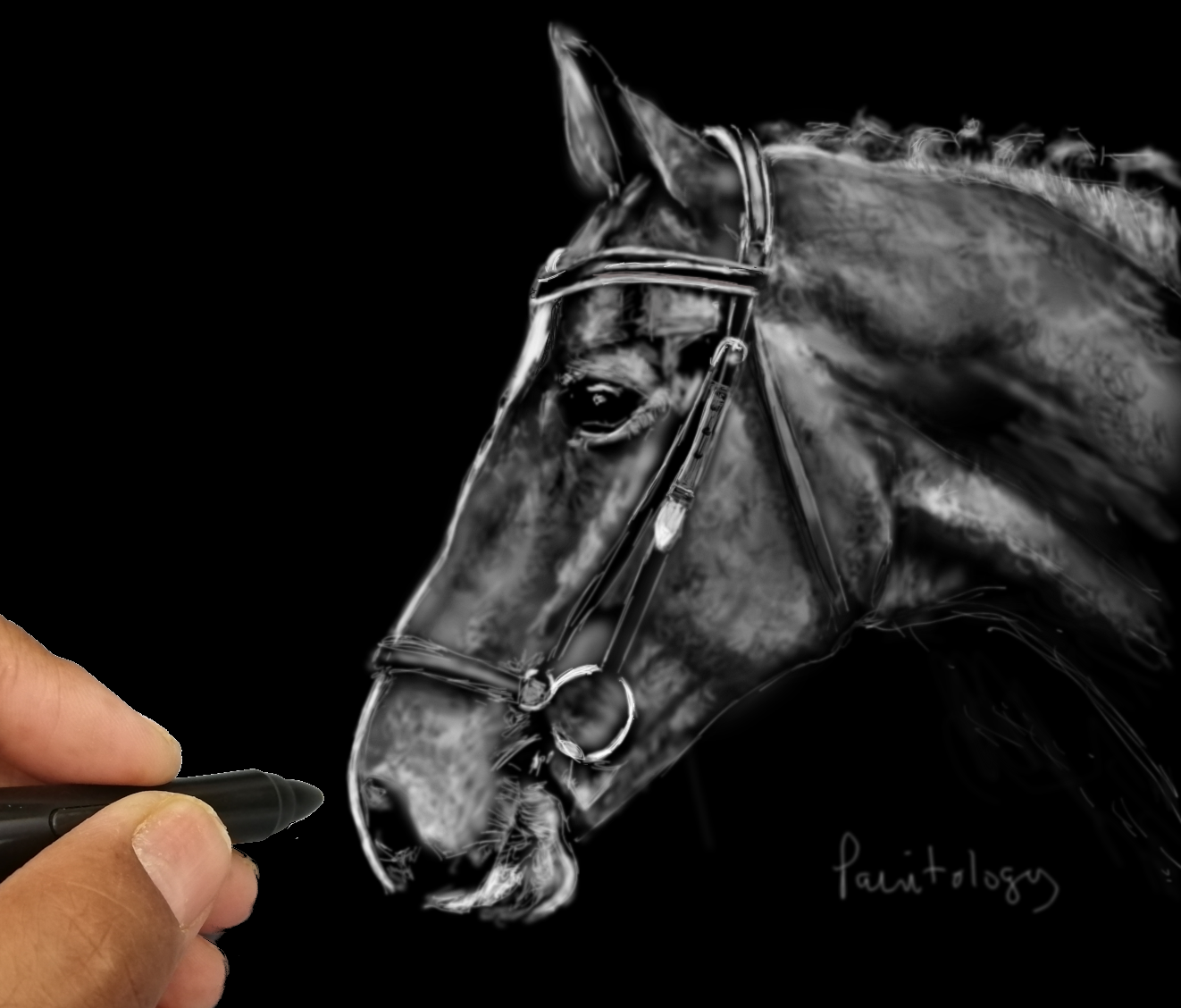
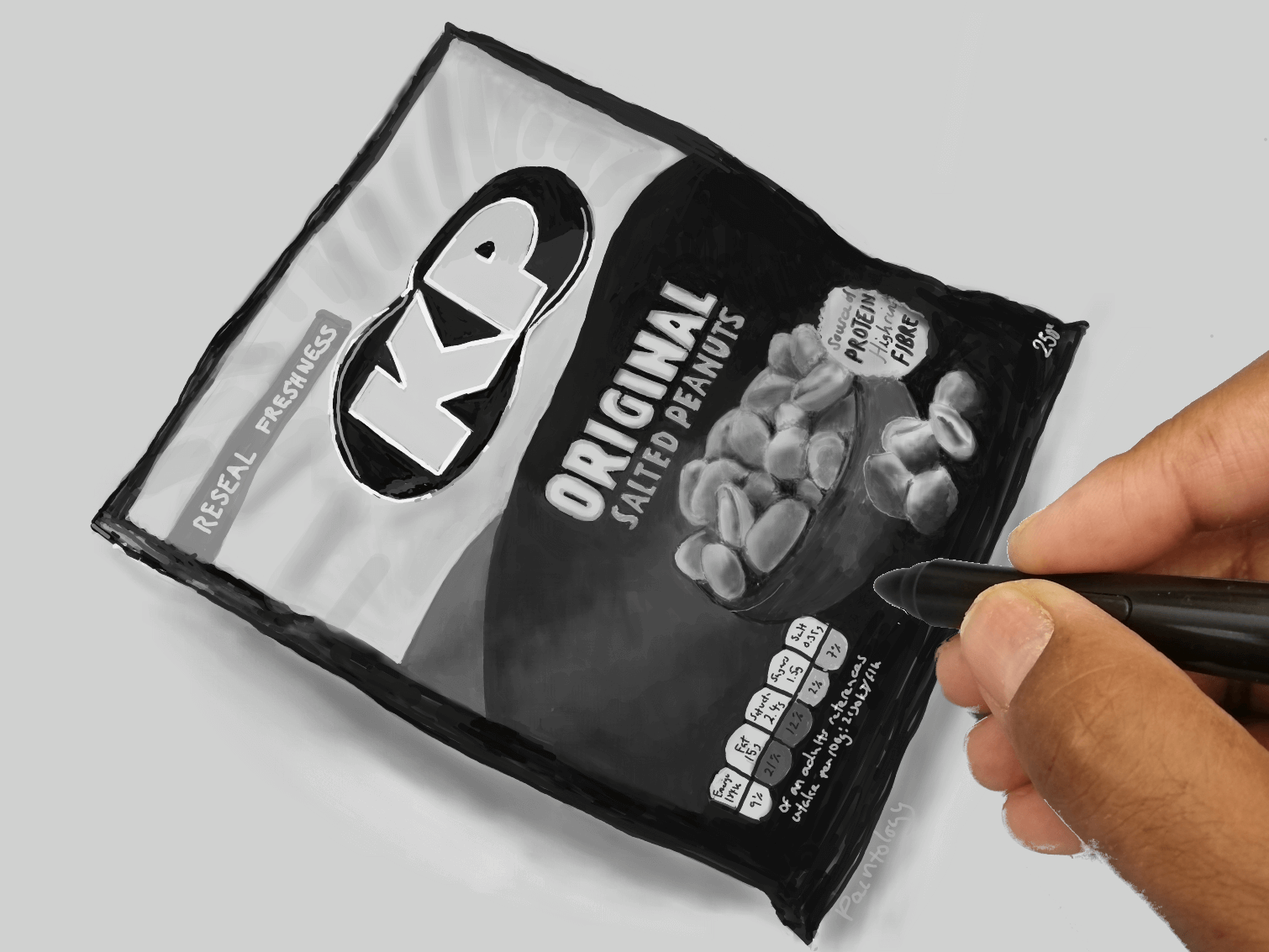
I decided to pick different subjects to draw and one that I can get close to the original image. Fig. 2 shows such a drawing where I knowingly committed myself to make the drawing close to the original as possible. Oddly enough, the time I spent in this drawing was maybe about that I would have normally spent in order to achieve the drawing that I was looking for.
[caption id="attachment_39032" align="alignnone" width="750"]
Fig. 1 My first drawing that moved me towards photo realism
I had purchased a higher resolution tablet (Samsung S6 Lite) on a whim due to the higher resolution. Previously all my drawings were on a Samsung Galaxy Tab which had a resolution of 1280 x 720 and the new Samsung S6 had a resolution of 1920 x 1080. I found that technology had advanced quite a bit from my humble Galaxy Tab of two years, the drawing was smoother and I could reduce the brush size to a smaller size with the Paintology app. As I continued drawing with the new S6, I became more comfortable in my drawings and unknowingly took more time over each drawing. None of the drawings were truly realistic by any means but it was clear that my drawings were tickling my interest in this domain.
I started focusing on the smaller regions that can potentially make up a more 'realistic' drawing such as the trees, far distant objects, clouds etc. It occurred to me that trying to create the illusion of details was the key to photo realistic drawings in much like the drawing in Fig. 1. Bit by bit my drawing took a new turn when drawing with the S6 tablet with the higher resolution, it allowed me to to render more details to the drawing and provided me with the versatility to use the Paintology tools more effectively. I continued to experiment with more landscapes including trees and was surprised at the results which was somewhat different to the lower resolution device that I was used to ie. Galaxy tab.
I decided to pick different subjects to draw and one that I can get close to the original image. Fig. 2 shows such a drawing where I knowingly committed myself to make the drawing close to the original as possible. Oddly enough, the time I spent in this drawing was maybe about that I would have normally spent in order to achieve the drawing that I was looking for.
[caption id="attachment_39032" align="alignnone" width="750"]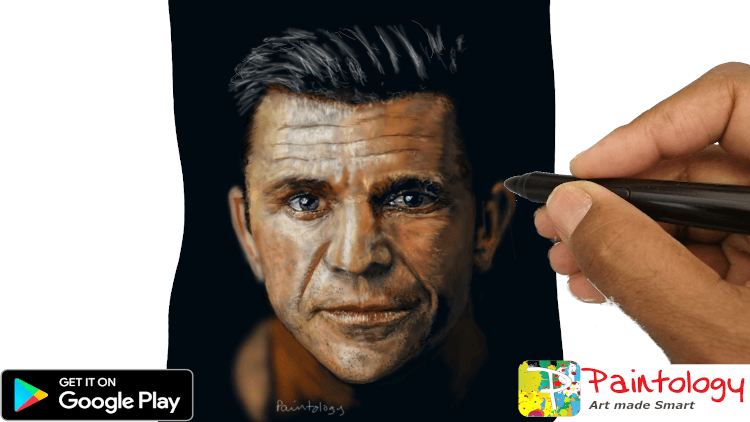 Fig. 2 A photo realistic drawing drawn on the Samsugn S6 tablet.[/caption]
Those who have been following my drawing expedition, were taken back by my new drawings.
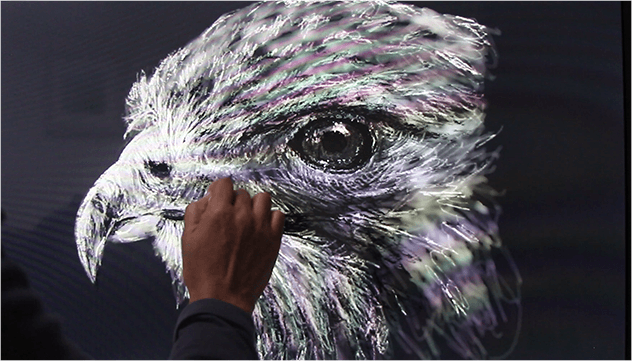
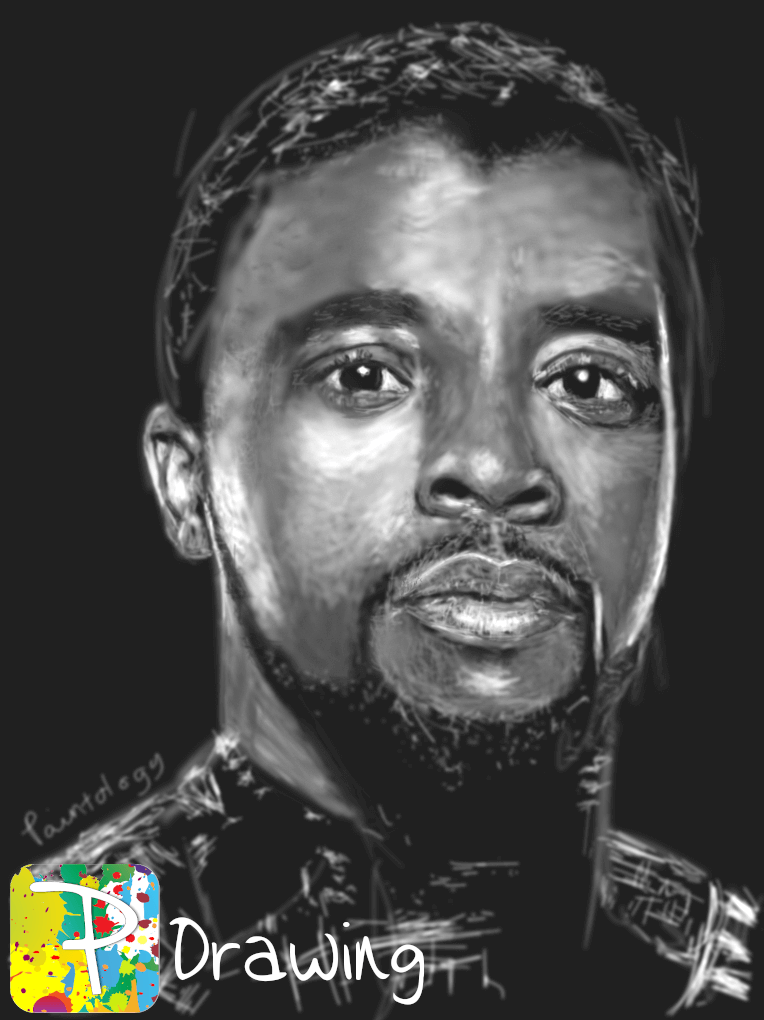
Fig. 3 shows a succession of drawings that I did following the first one.
Fig. 2 A photo realistic drawing drawn on the Samsugn S6 tablet.[/caption]
Those who have been following my drawing expedition, were taken back by my new drawings.
Fig. 3 shows a succession of drawings that I did following the first one.
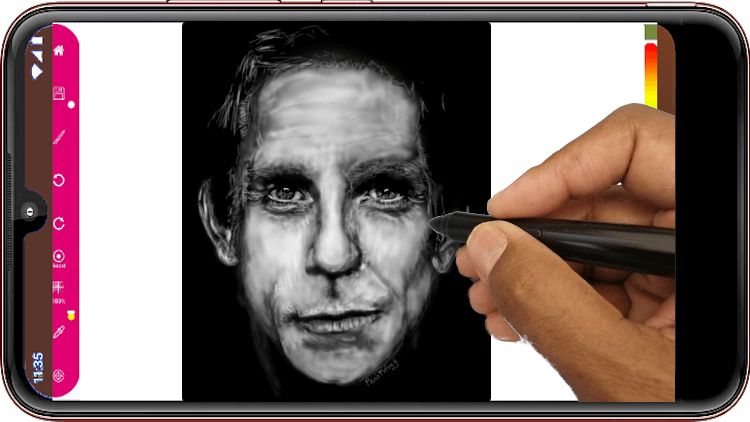
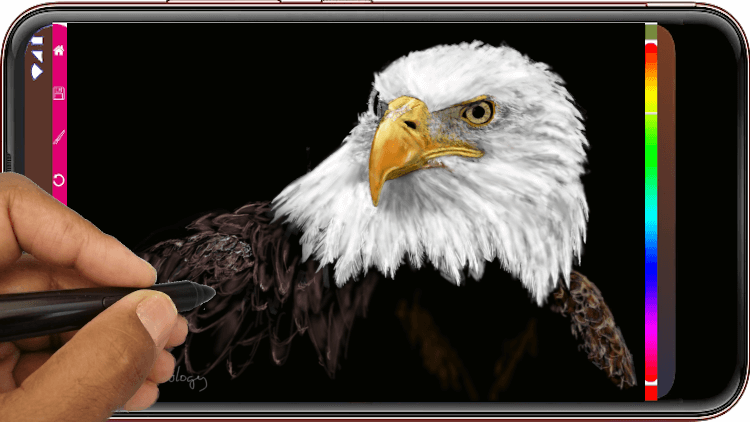
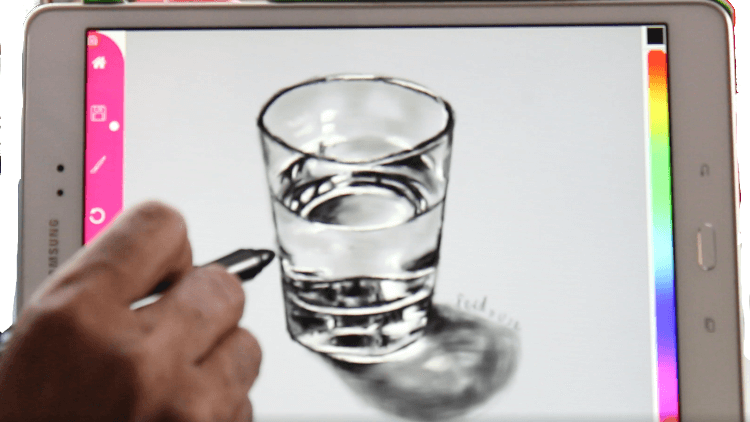
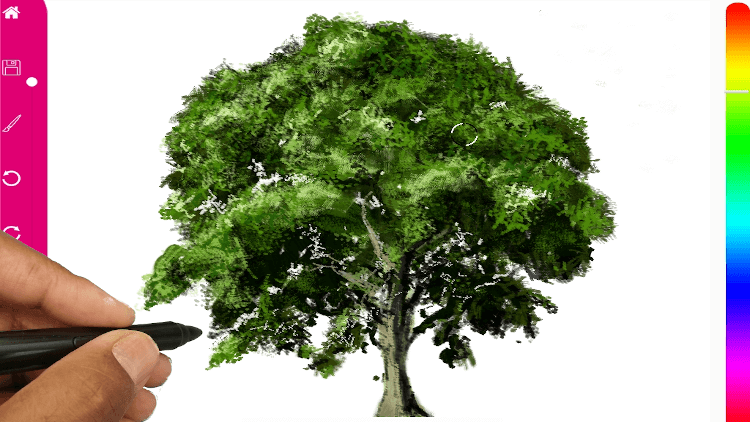
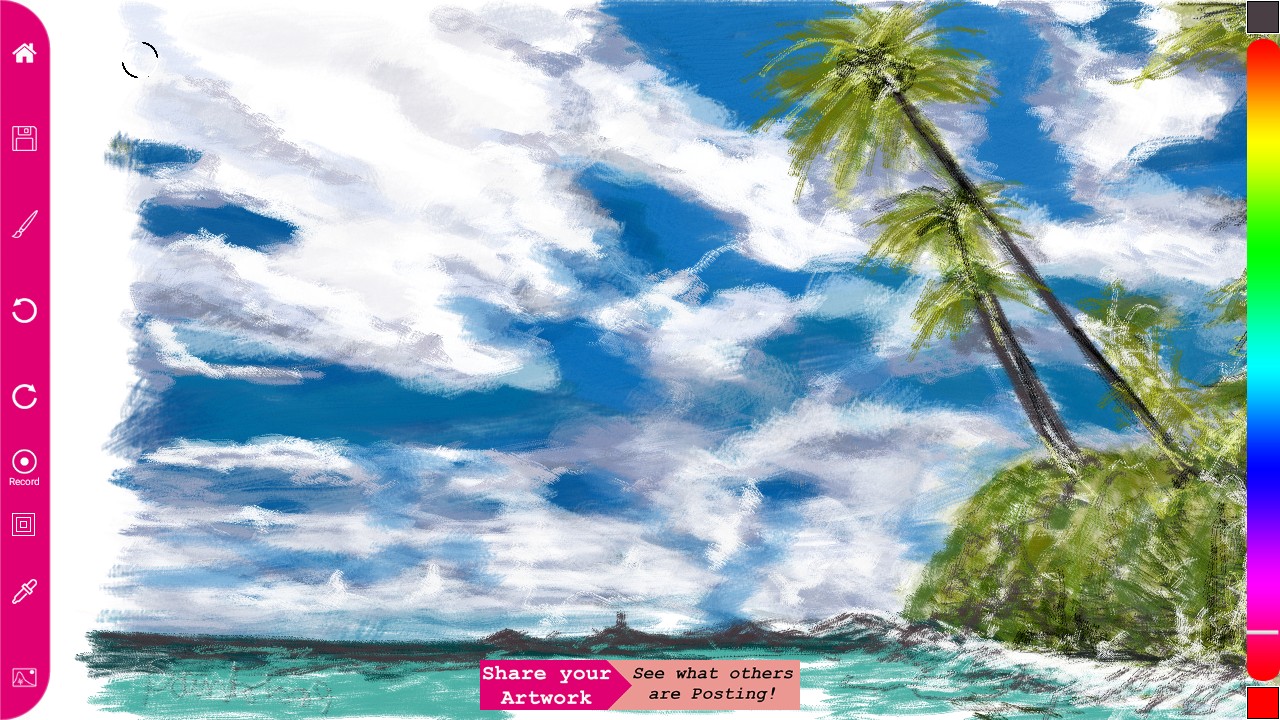
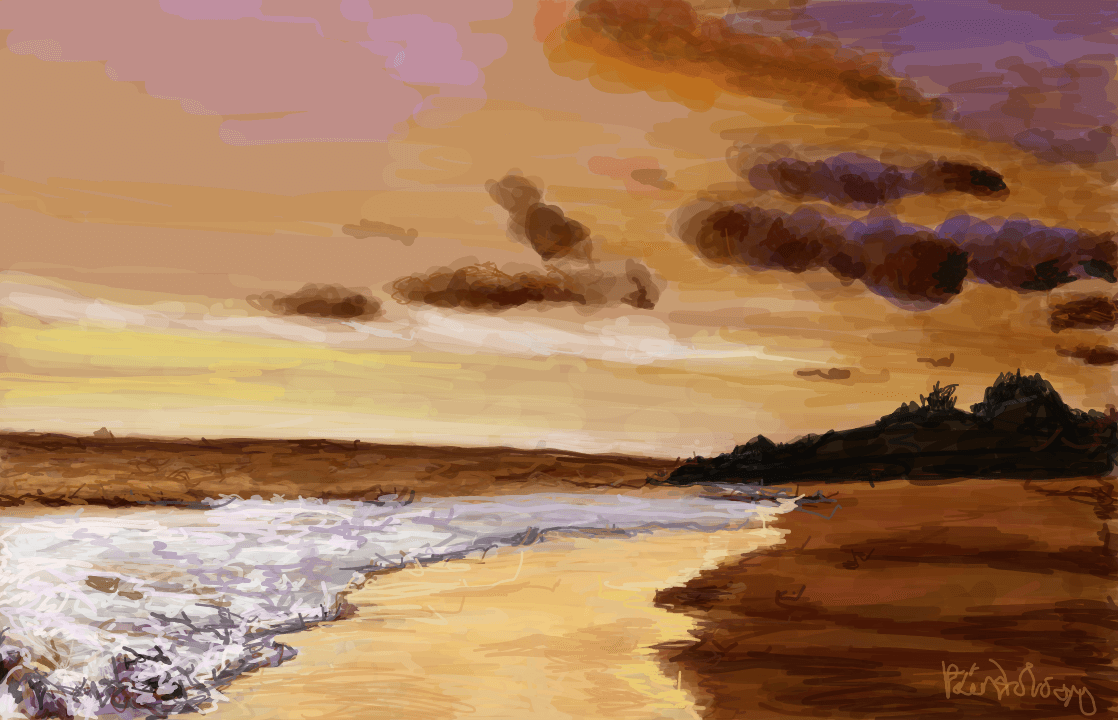
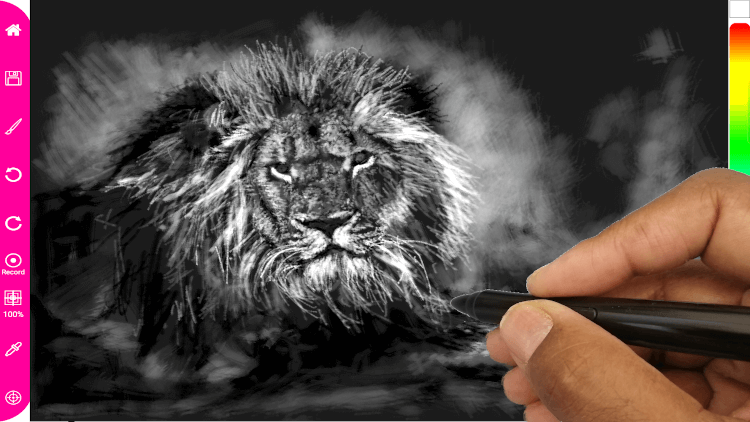 By this time, my confidence in drawing photo realism increased and was keen to do more drawings. I began to wonder why it took me this long to try and get my head around this and I put this down partly to the older tablet with the lower resolution that I was using. It's very possible that I was instinctively trying to achieve photo realism with the older tablets but was constrained by the lower resolutions. Check out these drawings that I did in the space of one year with my Galaxy Tab.
 [caption id="attachment_27333" align="alignnone" width="300"]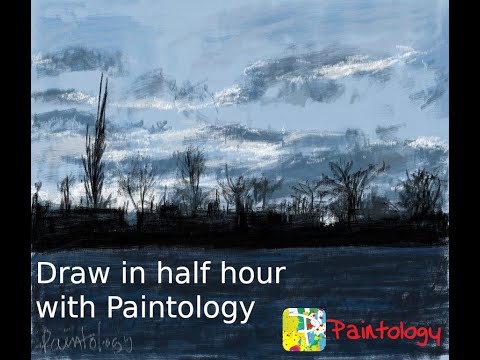
 [/caption]
Looking at these drawings carefully, you could say that i was aiming for 'illusions of details' even constrained by the lower resolution. In hindsight, had I spent more time, would they have been better than what I had produced and perhaps close to what I achieved with the S6 tablet. I really can't say, however, it does convey something very relevant which is, your drawings are really an extension of your mindset. Had I held the expectation that my drawing was to become photo realistic, I would most likely spent a considerable amount of time developing my techniques to achieve this. At that time, I did not feel that urge, my expectation of the drawings were based entirely on aesthetic reasons.
Going back to my work on the S6 tablet drawing, my GOAL now was to achieve photo realistic drawings. I was thankful to dispel my fear that photo realism would take many hours of my time to draw but in actual fact I needed a few hours to draw them. It was truly exciting for me to embark on this journey as my mind was swimming with ideas on what subjects to draw. Around the same time, I decided to push instructional videos on Udemy to show the capabilities of the Paintology app, after all, it is rare for people to do photo realistic drawings digitally and most often than not, the software is usually desktop based ie. photoshop. These software has a steep learning curve and most people will shy away from it. I spent over 20 years working with this software and I could never get over the quirky and often unintuitive interface, although it was a godsend for graphics design and illustrations. I personally use the free shareware GIMP to do all my editing and I have got so used to that it would be highly unlikely that I will return to Photoshop.
On the Android platform, there are a number of good drawing apps that I can think of such as Sketch, Ibis and of course Paintology. The Paintology app, developed from the ground up has only a single aim and this is to make digital drawing accessible to anyone no matter what skill level. As a result the interface is highly intuitive, allowing newcomers to start drawing with the app while at the same time catering to the advanced artist and can produce photo realistic drawings. One of the primary reasons why this app can develop your drawing skills rapidly is because there are minimum clicks to access the color bar and brushes. Considering that a typical drawing can consist of thousands of strokes, in my case for photo realistic drawings, we are talking about tens of thousands of strokes, so it makes sense to make these tools easily available. Try to add the color chart with 2-3 clicks and you just have to multiply the number of times you need to access the color chart, you get what I mean. In essence, Paintology has been designed by an artist and for would be artists.
It became apparent that for me to create photo realistic drawing was much of my skillsets as well as the tools that I was using. I recollect when I was using an iPad Pro with an apple pen, I had all the native resolution that I can expect but never ventured towards photo realistic drawing. Perhaps it also indicates to the level of skills one needs to attain before they can even embark on such an undertaking like photo realistic drawings. You have probably heard the famous Buddha saying, 'When the student is ready, the Teacher will appear' and we can derive many meanings from this saying. For me, it means that unless you have pushed yourself sufficiently to a good drawing level, the 'teacher' inside of you will not be able to show you the way. It is perhaps true of many undertakings that all of us do in real life, those who strive for the highest will often be rewarded.
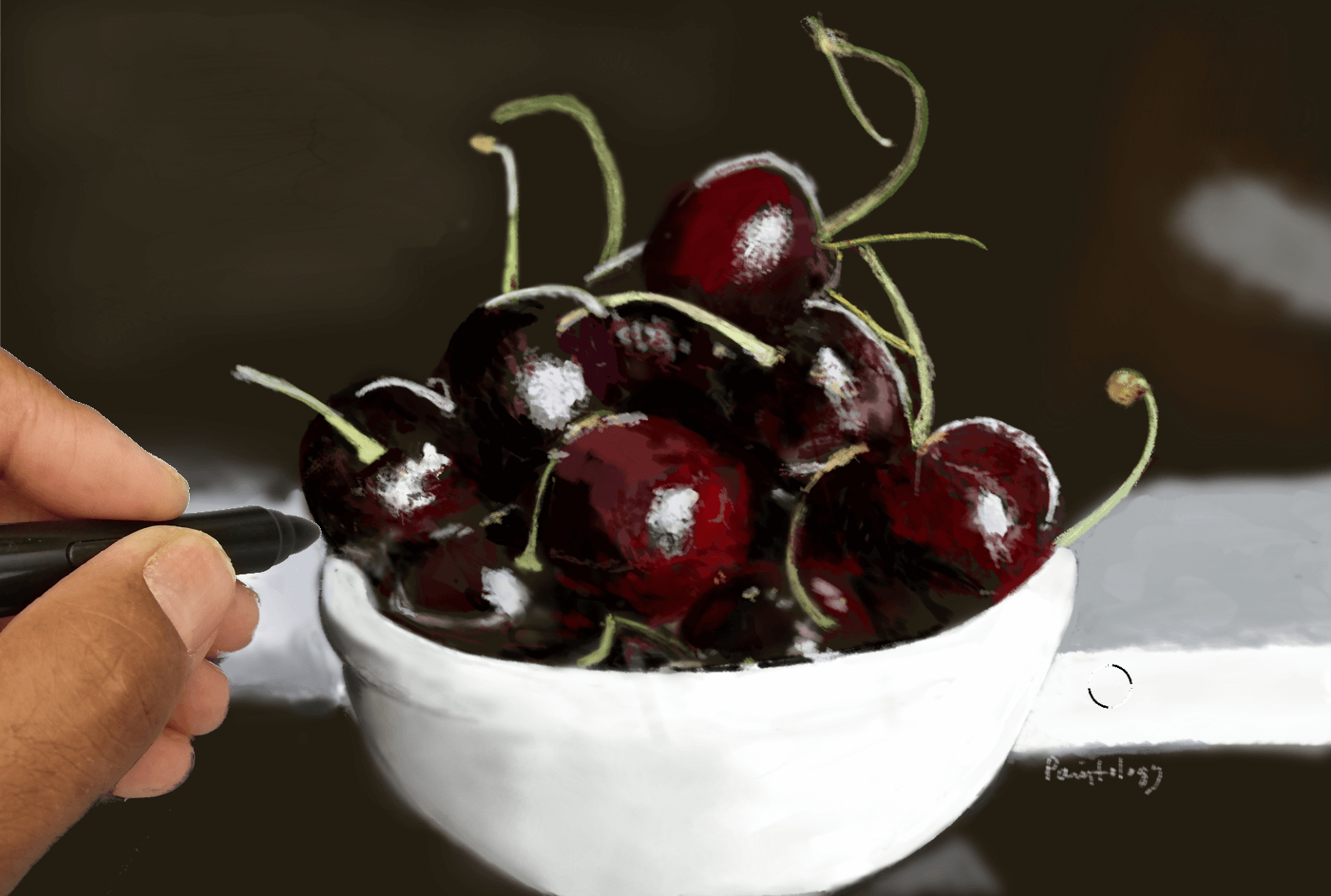
Doing photo realistic drawing with the S6 tablet came almost natural to me. The device with it's pen was comfortable to use and the slight plasticky feel of the pen nib, gave it just enough resistance for a good drawing feel. Samsung folks really did do their home with this new tablet. I will be posting a review of this on my Youtube channel shorty. Needless to say, I went full hog with the tablet and managed to make photo realistic drawings with not so much extra effort. I know this, because I asked my nephew for feedback on some of my latest work and his remarks were 'I thought that was a wall paper', 'that's a photo, let me see'. Once I posted online on facebook, I got some really positive feedback over my drawings. Check out the drawings below.
[/caption]
Looking at these drawings carefully, you could say that i was aiming for 'illusions of details' even constrained by the lower resolution. In hindsight, had I spent more time, would they have been better than what I had produced and perhaps close to what I achieved with the S6 tablet. I really can't say, however, it does convey something very relevant which is, your drawings are really an extension of your mindset. Had I held the expectation that my drawing was to become photo realistic, I would most likely spent a considerable amount of time developing my techniques to achieve this. At that time, I did not feel that urge, my expectation of the drawings were based entirely on aesthetic reasons.
Going back to my work on the S6 tablet drawing, my GOAL now was to achieve photo realistic drawings. I was thankful to dispel my fear that photo realism would take many hours of my time to draw but in actual fact I needed a few hours to draw them. It was truly exciting for me to embark on this journey as my mind was swimming with ideas on what subjects to draw. Around the same time, I decided to push instructional videos on Udemy to show the capabilities of the Paintology app, after all, it is rare for people to do photo realistic drawings digitally and most often than not, the software is usually desktop based ie. photoshop. These software has a steep learning curve and most people will shy away from it. I spent over 20 years working with this software and I could never get over the quirky and often unintuitive interface, although it was a godsend for graphics design and illustrations. I personally use the free shareware GIMP to do all my editing and I have got so used to that it would be highly unlikely that I will return to Photoshop.
On the Android platform, there are a number of good drawing apps that I can think of such as Sketch, Ibis and of course Paintology. The Paintology app, developed from the ground up has only a single aim and this is to make digital drawing accessible to anyone no matter what skill level. As a result the interface is highly intuitive, allowing newcomers to start drawing with the app while at the same time catering to the advanced artist and can produce photo realistic drawings. One of the primary reasons why this app can develop your drawing skills rapidly is because there are minimum clicks to access the color bar and brushes. Considering that a typical drawing can consist of thousands of strokes, in my case for photo realistic drawings, we are talking about tens of thousands of strokes, so it makes sense to make these tools easily available. Try to add the color chart with 2-3 clicks and you just have to multiply the number of times you need to access the color chart, you get what I mean. In essence, Paintology has been designed by an artist and for would be artists.
It became apparent that for me to create photo realistic drawing was much of my skillsets as well as the tools that I was using. I recollect when I was using an iPad Pro with an apple pen, I had all the native resolution that I can expect but never ventured towards photo realistic drawing. Perhaps it also indicates to the level of skills one needs to attain before they can even embark on such an undertaking like photo realistic drawings. You have probably heard the famous Buddha saying, 'When the student is ready, the Teacher will appear' and we can derive many meanings from this saying. For me, it means that unless you have pushed yourself sufficiently to a good drawing level, the 'teacher' inside of you will not be able to show you the way. It is perhaps true of many undertakings that all of us do in real life, those who strive for the highest will often be rewarded.
Doing photo realistic drawing with the S6 tablet came almost natural to me. The device with it's pen was comfortable to use and the slight plasticky feel of the pen nib, gave it just enough resistance for a good drawing feel. Samsung folks really did do their home with this new tablet. I will be posting a review of this on my Youtube channel shorty. Needless to say, I went full hog with the tablet and managed to make photo realistic drawings with not so much extra effort. I know this, because I asked my nephew for feedback on some of my latest work and his remarks were 'I thought that was a wall paper', 'that's a photo, let me see'. Once I posted online on facebook, I got some really positive feedback over my drawings. Check out the drawings below.
 In summary, photo realistic drawings can potentially be done on any medium as has been the case for the last 60 years. However, with the recent advances in technology, digital photo realism is now taking shape in this medium, especially with the Paintology drawing app.