PaperColor - Android drawing app - Install and quick guide
3 Nov 2020|
2252
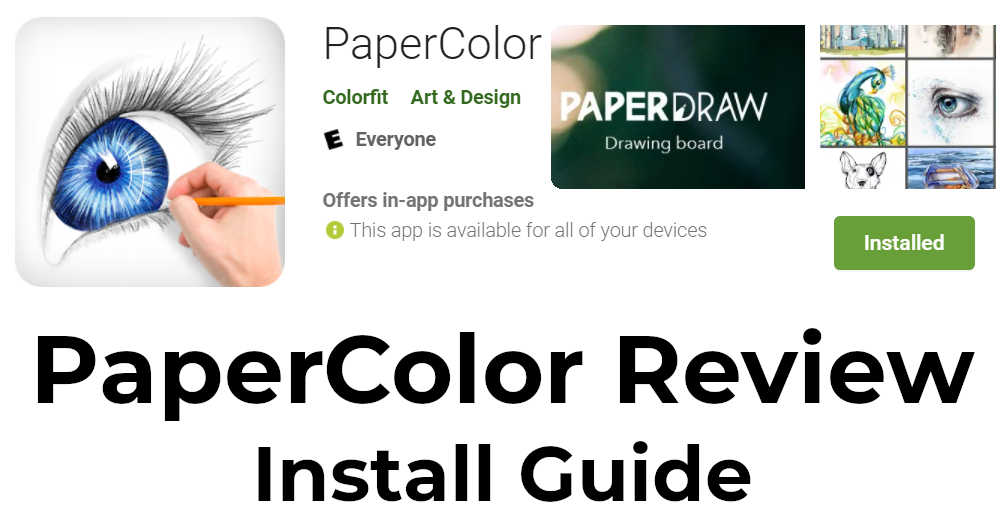
App Link:
https://play.google.com/store/apps/details?id=com.eyewind.paperoneStrengths:
Simple interface No nonsense drawing for beginners Good drawing capability with crayon and pencilWeaknesses:
A lot of ads Can't use all the drawing tools without going through an ad Art brushes have a limited size, so large areas will take a longer time to cover for drawing Limited in features Watch this space for a drawing with PaperColor app.Alternatives to PaperColor:
Download the free Paintology app from the Google play store. https://play.google.com/store/apps/details?id=com.paintology.lite Happy Painting & Drawing!